
How to Evaluate a Free HTML Template Before Use
A free template can hide invalid markup, unlabeled form fields, heavy scripts and a license you cannot live with. Half an hour of checks before you start customizing is far cheaper than a rebuild later.
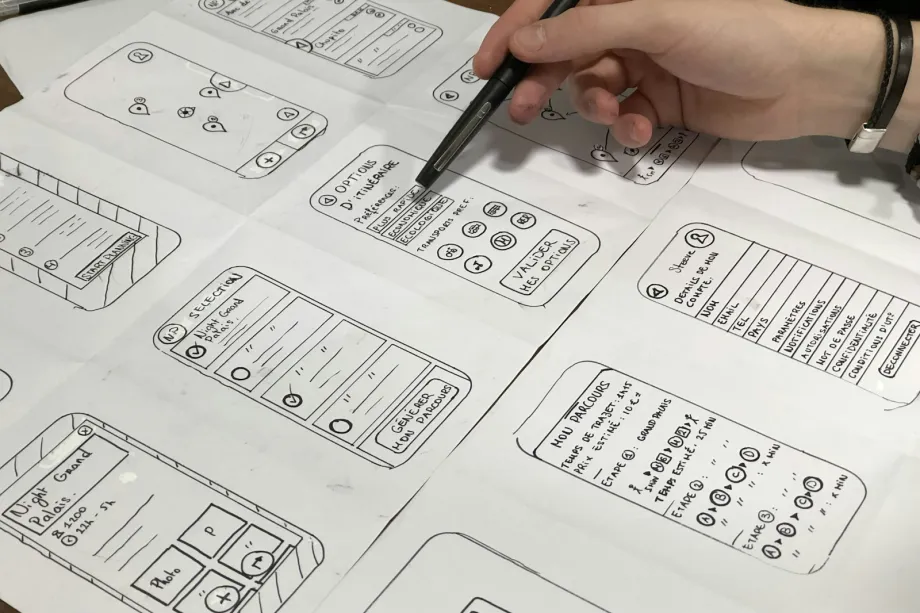
A polished preview says little about what sits underneath. Free templates range from carefully built starting points to old layouts with broken markup, missing labels and a footer full of hidden links. Checking a handful of things before you commit to one saves you from discovering them after the client has approved the design.
The checks below take about half an hour and need nothing beyond a browser, its developer tools and a validator.
Read the license first
Every template comes with conditions, even when it costs nothing. Look for a LICENSE or README file, a comment at the top of the stylesheet, or terms on the page where you found the download.
Permissive open source licenses such as MIT, BSD or Apache 2.0 generally allow commercial use, modification and client work, provided you keep the copyright notice in the files. Creative Commons licenses vary more. CC BY asks for attribution, and many template authors specify how they want it, often as a credit link in the footer. Variants with "NC" in the name rule out commercial use altogether.
If a download has no license at all, do not assume it is free to use. Without explicit permission, the author keeps the usual copyright. Either contact the author or choose another template. This is general guidance rather than legal advice; for a project that matters commercially, have someone qualified read the terms.
Validate the markup
Run the main pages through the W3C Markup Validation Service. You are not chasing a perfect score, but the results show how carefully the template was built. Unclosed elements, duplicate id values, links nested inside buttons and stray closing tags all suggest problems that will surface later as odd rendering or broken scripts.
Then read the structure by eye. Good templates use elements that describe their content:
<header>
  <nav aria-label="Main">
    <ul>
      <li><a href="/about/">About</a></li>
      <li><a href="/work/">Work</a></li>
    </ul>
  </nav>
</header>
A template that builds the same thing from nested div elements with class names like header-zone and nav-item will still display correctly. It just gives screen readers nothing to work with, and you will end up rewriting it.
Test with a keyboard
Put the mouse aside and press Tab from the top of the page. Focus should move in a sensible order through the menu, the main content and the footer, and every focused link or button needs a visible outline. Templates that remove outlines with outline: none and offer no replacement are common, and they leave keyboard users guessing where they are.
Check the headings next. A page normally has one h1 for its main topic, with h2 and h3 beneath it in order. Headings chosen for their font size rather than their level are a sign the template was designed visually first.
Look at images and forms as well. Informative images need meaningful alt text, and decorative ones should have alt="". Every form field needs a label tied to it:
<label for="contact-name">Name</label>
<input type="text" id="contact-name" name="name" autocomplete="name" required>
Finally, check text contrast. WCAG asks for a contrast ratio of at least 4.5:1 for normal body text and 3:1 for large text. Light gray text on white, popular in minimal templates, often falls short. The color picker in browser developer tools shows the ratio directly.
Check the mobile layout
Open the <head> and confirm the viewport tag is there:
<meta name="viewport" content="width=device-width, initial-scale=1">
Without it, phones render the page at desktop width and shrink it, leaving text too small to read.
Then use responsive mode in developer tools and drag the width slowly from about 320 pixels upward. Watch for horizontal scrollbars, which usually come from fixed pixel widths or images without max-width: 100%. Check that the menu still works at small sizes and that buttons and links are not packed so tightly that a thumb hits the wrong one.
Weigh the page
Open the Network panel, disable the cache and reload. Note the total transfer size, the number of requests and the largest files. Demo templates often ship with huge uncompressed photos, a background video and several font families in many weights. Photos you can replace, but a template whose layout depends on a heavy slider library or four separate icon sets will carry that weight into every page you build.
Prefer templates with a small, readable stylesheet and few external dependencies. A system font stack or one web font family in two weights is plenty for most sites.
Look for old or risky scripts
With the console open, reload the page. Errors and deprecation warnings point to code that is already out of date. Older templates often bundle an old copy of a large JavaScript library just to toggle a menu or run a slideshow. That is not automatically a problem, but outdated libraries can carry known security issues, and modern CSS and a few lines of plain JavaScript usually do the same job.
Search the files for anything you cannot read. Long base64 strings, eval() calls and scripts loaded from unfamiliar domains deserve suspicion. Remove what you do not understand, or pick a different template.
Inspect the footer credit
Credit links are a normal part of free templates, and if the license requires one, keep it. What you should not accept is a link hidden with display: none, pushed off screen, or pointing somewhere unrelated to the template author. Search engines treat hidden links as a spam signal, and any consequences would fall on your site rather than on the template author. If the required credit points somewhere you would not want to be associated with, that alone is a reason to walk away.
A template that passes these checks is a solid base. One that fails several of them is usually faster to replace than to repair.
Frequently asked questions
Can free HTML templates be used for commercial projects?
Only if the license allows it. Permissive open source licenses such as MIT generally allow commercial use and modification, while Creative Commons licenses can require attribution or forbid commercial use. Read the license file that comes with the template, and ask a lawyer if the project depends on it.
How do I test whether a template is responsive?
Open it with the browser's developer tools in responsive mode and drag the viewport from about 320 pixels wide up to a large desktop width. Look for horizontal scrolling, overlapping text, images that overflow and buttons that become too small to tap.
Why does semantic HTML matter in a template?
Elements such as header, nav, main and footer tell browsers and assistive technology what each region is for. Screen reader users can jump between these regions, and the markup is easier to restyle later.
Is it safe to use templates from public repositories?
Often, but inspect the files first. Look for hidden links, obfuscated JavaScript, scripts loaded from unknown domains and outdated libraries before anything goes into production.